
WebPlus – Other People’s Feats and Some of My Cheats
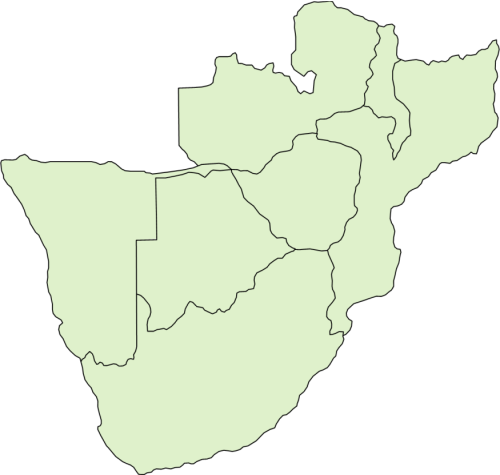
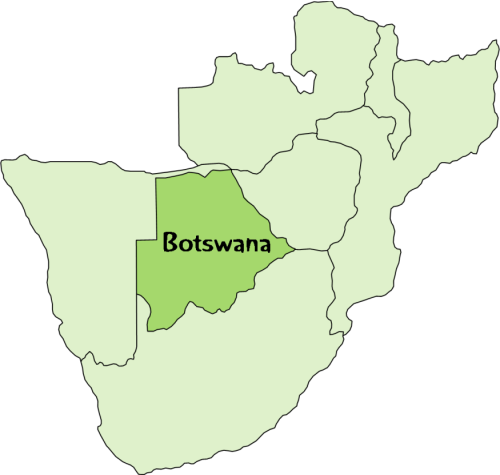
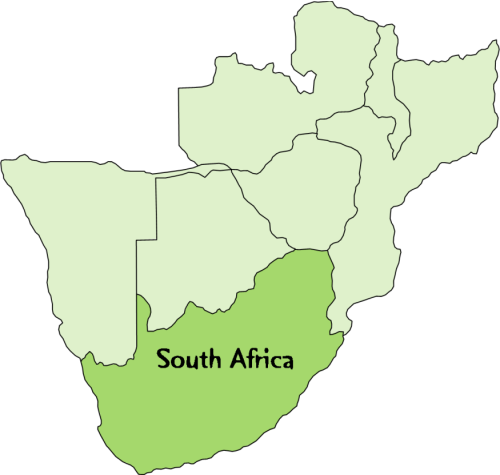


Creating irregular shapes for “Hover” Action:
- In PhotoPlus:
- Select country image with magic wand
- Reverse the selection and delete leaving country only
- Save as transparent png
2. In DrawPlus:
- Open in DrawPlus
- Select object then Tools/Create contour/ (0° offset)
- Move the contour off the object and copy
3. In WebPlus
- Paste contour into WebPlus
- Select object and Format/Convert/ to Curves
- Make transparent to act as base for “action”.
Irregular Shapes for “Actions”